Productivity
Time Blocking: A Practical Guide for Beginners
Time blocking gives every priority a place on your calendar while leaving enough flexibility for interruptions, rest, and real life.
Time blocking is a planning method that assigns a purpose to specific periods of your day. Instead of working from an open-ended task list, you decide when focused work, meetings, errands, and recovery will happen. A useful time-blocked schedule is not packed from morning to night: it protects priorities while leaving buffers for the parts of life you cannot predict.
The method is simple enough to start on paper and flexible enough to support demanding work. Its main benefit is not squeezing more output from every hour. It is reducing the number of decisions you make while the day is already moving.
What is time blocking?
A task list answers what needs attention. Time blocking also answers when and, indirectly, for how long. You divide your available day into blocks and give each block one role: write a proposal, process email, exercise, commute, prepare dinner, or simply remain open.
That distinction matters because a list can quietly contain 14 hours of work even when your calendar has four available hours. Moving tasks onto a calendar exposes that mismatch before it becomes an exhausting day.
| Method | Best question it answers | Main risk |
|---|---|---|
| Task list | What needs doing? | No connection to available time |
| Calendar appointments | Where must I be? | Unscheduled priorities get crowded out |
| Time blocking | What will I do during this period? | Overplanning every minute |
| Timeboxing | How long will I spend before stopping? | Stopping before a task is usable |
Time blocking and timeboxing overlap. A time block reserves space; a timebox adds a firm limit. You might reserve 9:00–11:00 for a report and decide to stop at 11:00 even if more polishing is possible.
Why time blocking helps
It turns priorities into commitments
“Work on presentation” is easy to defer. “Draft slides from 9:00 to 10:30” has a time and an expected scope. You still can change the plan, but postponing becomes a conscious choice rather than an invisible drift.
It reduces context switching
Grouping similar work limits the mental cost of bouncing between writing, messages, spreadsheets, and calls. An admin block can hold email, forms, approvals, and small requests. A focus block can remain free of those tasks.
It creates a more honest plan
A calendar has edges. Once meetings, meals, caregiving, and travel are visible, you can see how much discretionary capacity remains. This supports the same capacity-first approach used when you plan your week.
How to start time blocking in six steps
- Choose one day. Do not redesign your entire month. Tomorrow is enough.
- Add fixed commitments. Include meetings, appointments, school runs, commutes, and meals.
- Estimate usable capacity. Look at the open periods and subtract a realistic buffer.
- Select one to three meaningful outcomes. These deserve your best attention, not merely the tasks making the most noise.
- Assign blocks by energy. Put demanding work in a period when you are usually alert and routine work in a lower-energy period.
- Review at day’s end. Note what took longer, what interrupted you, and what should change tomorrow.
Use rough estimates at first. If you have never measured a task, assume it may take 1.5 times your optimistic guess. Accuracy improves after a week of comparing the plan with reality.
Build a deep-work block that survives the day
Deep work is focused effort on a cognitively demanding task without frequent switching. Reserving two hours is not enough; the block needs boundaries.
- Define a visible finish line, such as “draft sections one through three.”
- Gather files, notes, and references before the block begins.
- Silence nonessential notifications and close unrelated tabs.
- Keep a capture note for distracting thoughts instead of acting on them.
- End with a two-minute note describing the next action.
Beginners often do better with 45–90 minutes than an ambitious four-hour session. Focus is a limited resource. A shorter block completed consistently is more useful than a heroic block you avoid scheduling again.
Buffer time is part of the plan
A buffer is intentionally unassigned time between or around commitments. It absorbs late meetings, setup, travel, emotional decompression, and tasks that simply take longer than expected. Without buffers, one delay creates a chain reaction across the entire day.
Try a 10–15 minute buffer after meetings and a larger 30–60 minute recovery block somewhere in the afternoon. For an interruption-heavy role, reserve one or two “office hours” blocks for incoming requests. White space is not wasted capacity; it is what makes the rest of the schedule believable.
Midweek experiment: Build tomorrow in LifesOS Schedule with one focus block, one admin block, and at least two buffers. Keep the rest of your existing routine unchanged so you can tell whether the structure actually helps.
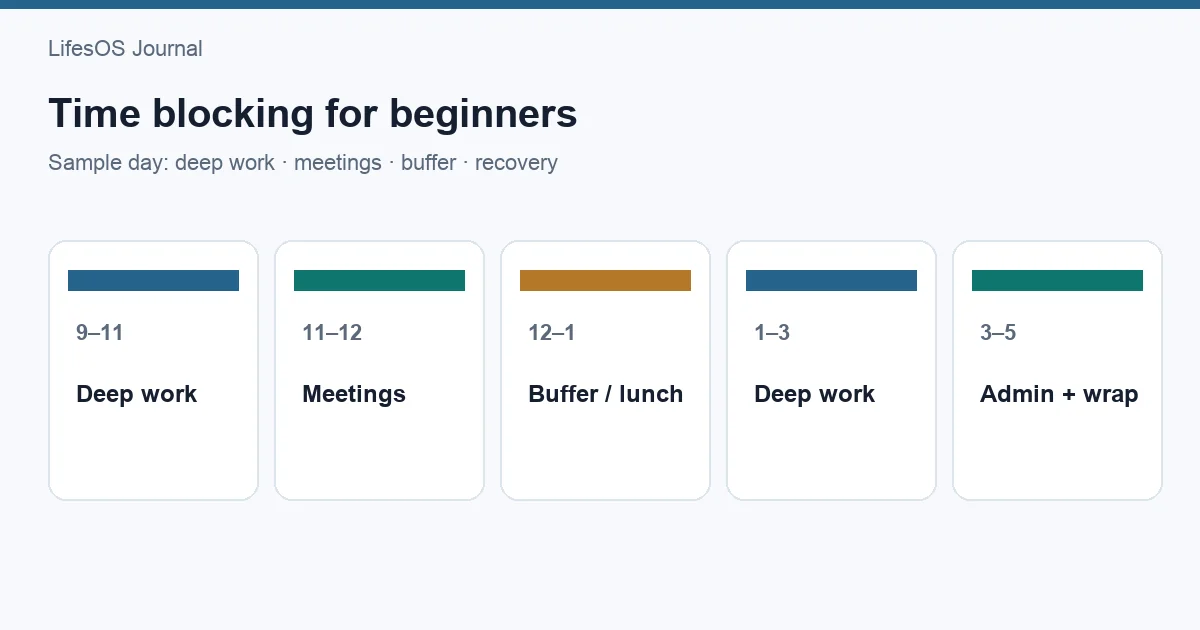
A realistic sample time-blocked day
| Time | Block | Purpose |
|---|---|---|
| 7:30–8:30 | Morning and commute | Breakfast, preparation, travel |
| 8:30–9:00 | Daily setup | Check calendar and choose finish lines |
| 9:00–10:30 | Deep work | Draft the client proposal |
| 10:30–10:45 | Buffer | Break or absorb overrun |
| 10:45–12:00 | Meetings | Scheduled collaboration |
| 12:00–1:00 | Lunch | Eat and step away from work |
| 1:00–2:00 | Admin batch | Email, approvals, small tasks |
| 2:00–3:00 | Project work | Research and revisions |
| 3:00–3:30 | Open buffer | Requests, delay, or recovery |
| 3:30–4:30 | Collaboration | Reviews and team follow-up |
| 4:30–4:45 | Shutdown | Capture loose ends and plan tomorrow |
This example does not assume that all useful work happens before dinner. It simply shows that fixed work, concentrated work, routine work, and recovery need separate space. Adapt the labels to a shift schedule, study day, household workload, or freelance calendar.
What to do when the day changes
A time-blocked plan is a forecast, not a contract. When an urgent request appears, choose one of three moves:
- Shorten: reduce a lower-priority block while preserving its smallest useful result.
- Move: reschedule the block to a specific open period rather than an undefined “later.”
- Delete: acknowledge that it no longer fits and remove it.
Avoid repeatedly stacking missed blocks onto tomorrow. That creates calendar debt. During a daily or weekly review, decide whether an unfinished item still matters before carrying it forward.
Common time-blocking mistakes
Scheduling every minute
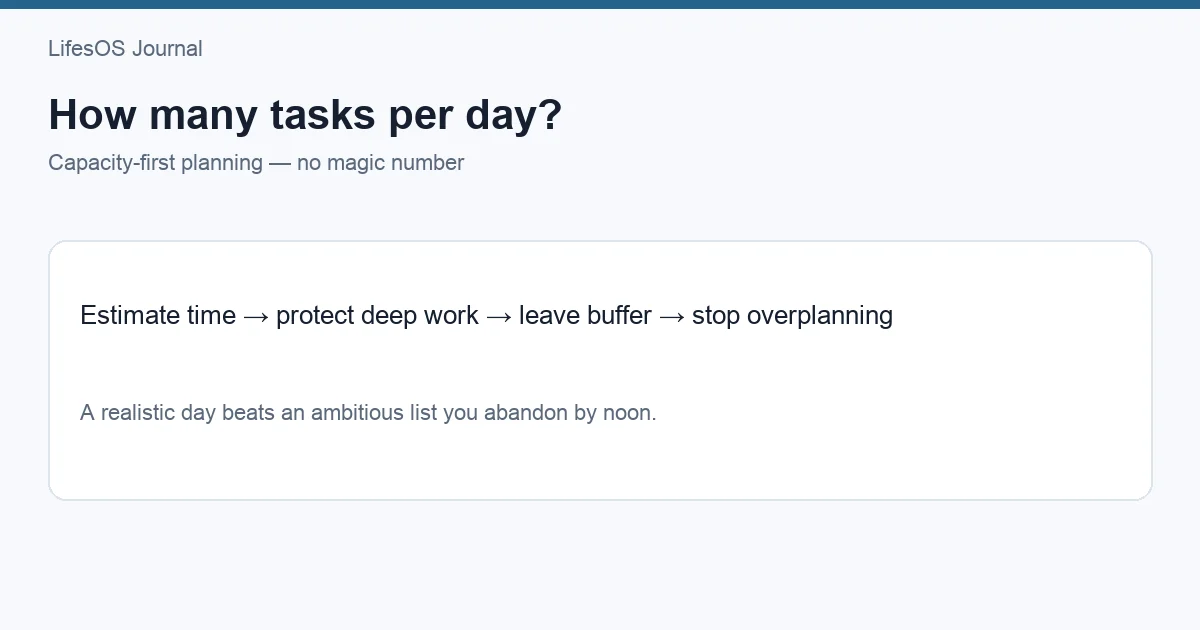
A full calendar can look disciplined while being structurally fragile. Start by planning about 60–70 percent of genuinely available time, especially if your days contain interruptions.
Using vague block names
“Project” does not tell you where to begin. Use a verb and an output: “compare three vendors” or “edit introduction and conclusion.”
Ignoring transition costs
Calls require notes, workouts require changing and showering, and errands require travel. Include the whole activity rather than only its central action.
Treating estimates as personal failures
If a task takes two hours instead of one, the estimate was wrong; your character is not the problem. Record the evidence and improve the next estimate.
Copying someone else’s ideal day
Your calendar must reflect your responsibilities, energy, and control over your time. A parent, student, manager, and night-shift worker need different block sizes.
Connect daily blocks to a weekly rhythm
Time blocking works better when the week has a few anchors. During weekly planning, place major commitments and priority blocks first. Each evening, adjust the next day based on what changed. A Sunday reset checklist can help you clear small logistical tasks before Monday.
At the end of the week, review patterns rather than judging isolated misses. Which block was repeatedly interrupted? Which estimate was consistently too small? When did focused work feel easiest? Use those answers to shape the next week.
Beginner time-blocking checklist
- Add fixed appointments and travel first.
- Choose no more than three outcomes for the day.
- Give focus blocks concrete finish lines.
- Batch small administrative work.
- Leave 10–15 minutes between demanding commitments.
- Keep at least one larger open buffer.
- Adjust the plan when reality changes.
- Review estimates without self-criticism.
FAQ
Should I time block every day?
No. Use it when competing priorities need space. Some people block workdays and leave weekends looser; others use only a morning focus block.
How long should a time block be?
Match the block to the work and your attention. Administrative batches may need 20–45 minutes, while demanding work may need 45–120 minutes. Add transition time separately.
What if my schedule is unpredictable?
Use shorter blocks, broader categories, and more buffers. You can also create “if available” blocks that are useful but safe to drop.
Is time blocking better than a to-do list?
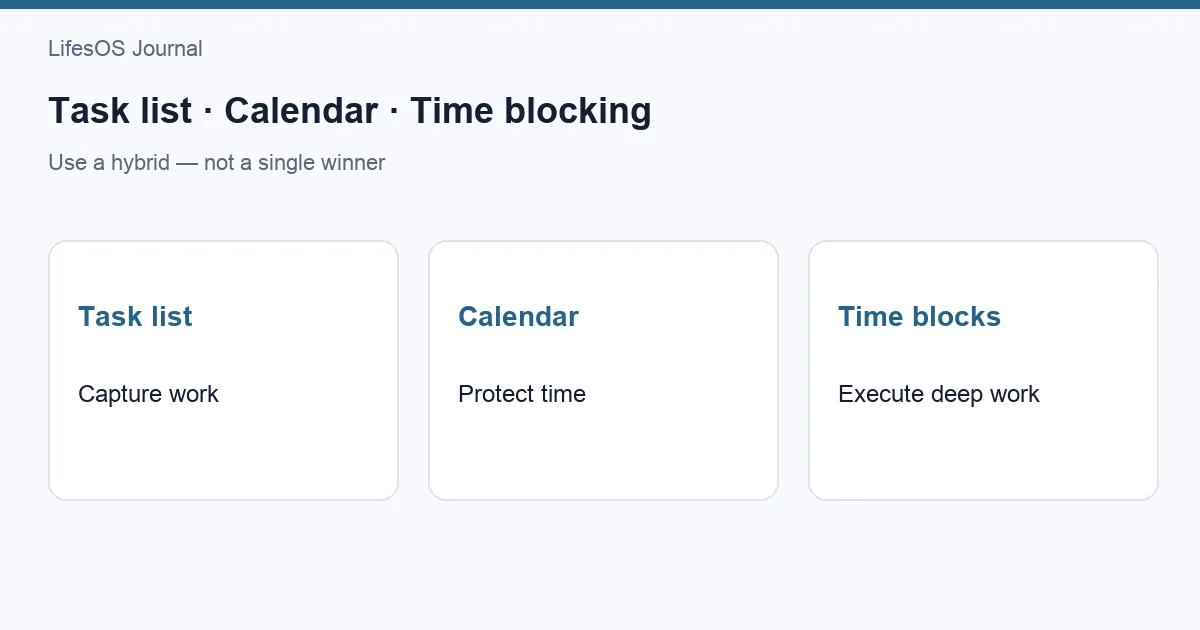
They solve different problems. Keep a task list to capture obligations, then move selected priorities into available calendar space.
How long does it take to get accurate?
Most people notice better estimates after one or two weeks of brief daily reviews. Recurring tasks become easier to predict than new work.
Related: See task list vs calendar vs time blocking and a 10-minute daily planning routine.
Sources and further reading
- American Psychological Association: Multitasking and switching costs
- Cal Newport: Building a deep work habit
- How to Plan Your Week Without Overloading Your Schedule
Try one day, review what happened, and refine the next. Start a 7-day LifesOS trial to plan priorities and buffers in one schedule without turning every hour into an obligation.