Productivity
How to Prioritize Tasks When Everything Feels Important
When everything feels important, separate true deadlines from pressure, compare consequences and impact, then commit to a small Top 3 that fits today's capacity.
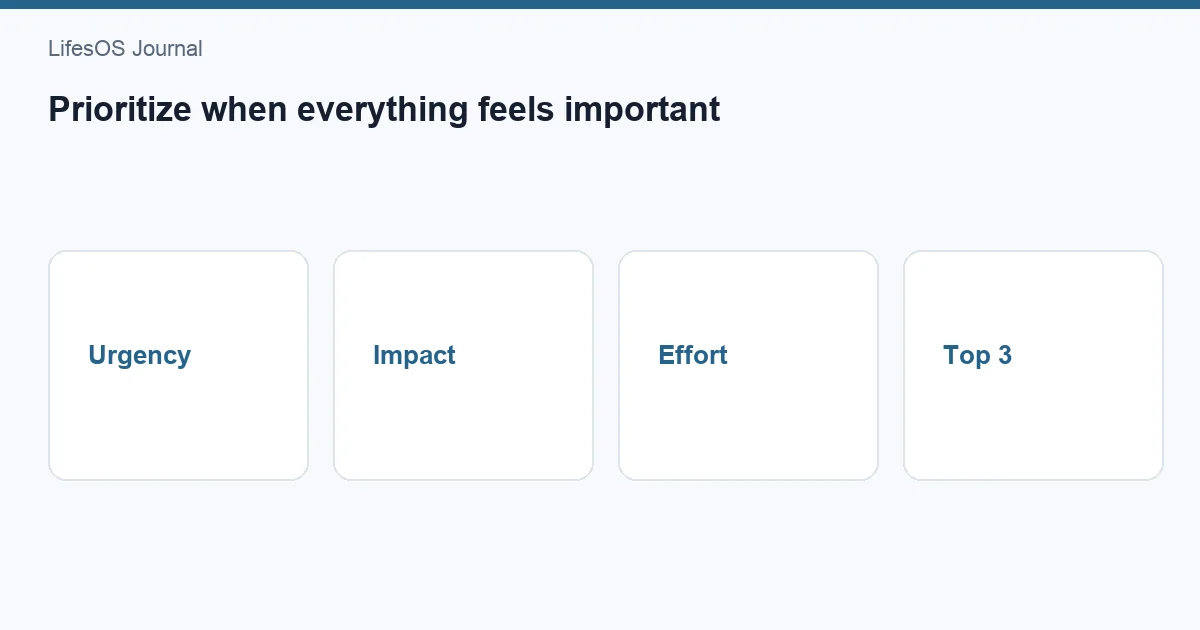
When everything feels important, prioritize by consequence, not by volume or anxiety. First identify tasks with real deadlines or costs of delay. Then compare impact and effort, account for dependencies, and choose a daily Top 3 that fits your available time. Schedule those tasks before filling the day with smaller work.
No matrix can make ten tasks fit into four hours. Prioritization means deciding what receives attention now, what waits, what is delegated, and what is removed. If every item keeps the same priority, you have a list, not a plan.
The 10-minute prioritization method
- Capture every open task in one list.
- Mark hard deadlines and serious consequences of delay.
- Identify tasks that unblock other people or work.
- Score remaining work by impact and effort.
- Choose a Top 3: one major result and up to two supporting results.
- Put time on the calendar for the first task.
- Move, delegate, or delete everything that does not fit.
This combines the best parts of the Eisenhower Matrix, an impact/effort comparison, and the Top 3 method. Each tool answers a different question: urgency clarifies timing, impact clarifies value, and the Top 3 converts analysis into commitment.
Define what “important” means
Tasks feel important for many reasons: someone asked loudly, the task is easy to finish, it has been open for weeks, or it carries emotional discomfort. Those signals are not the same as meaningful value. Define importance in relation to current goals, responsibilities, and consequences.
Ask what outcome the task supports. A task is usually more important when it protects health or safety, fulfills a real obligation, advances a current goal, prevents a substantial loss, or unlocks several other actions. It is less important when the outcome is unclear, the request is optional, or the work exists only because it has always been done.
Step 1: Separate hard deadlines from perceived urgency
A hard deadline has an external consequence: a filing closes, a customer launch occurs, medication runs out, or another person cannot proceed. A soft deadline is a preference that can move after communication. “As soon as possible” is not a date.
| Question | Evidence to seek |
|---|---|
| What is the exact deadline? | Date, time, and time zone |
| What happens if it is late? | Specific cost, risk, or blocked work |
| Who depends on it? | Named person, customer, or process |
| Can scope be reduced? | Minimum acceptable deliverable |
| Can the date move? | Owner who can approve a change |
Verify rather than assume. A two-minute message can reveal that a “today” request is actually needed Friday, while a quiet administrative task has a legal cutoff tomorrow.
Step 2: Use the Eisenhower Matrix
The Eisenhower Matrix sorts work by importance and urgency:
- Important and urgent: do or schedule immediately. Examples include a production incident, an imminent application, or required care.
- Important, not urgent: schedule protected time. Strategic planning, exercise, relationship maintenance, and skill development often live here.
- Urgent, not important: delegate, automate, limit, or renegotiate when possible.
- Neither: remove, defer indefinitely, or keep off the active list.
The matrix is a filter, not a complete ranking. Five tasks can land in the same quadrant. That is why impact, effort, and dependencies come next. It also exposes a common problem: important work becomes urgent because no time was reserved while it was still calm.
Step 3: Compare impact and effort
Estimate impact on a simple 1–3 scale: low, medium, or high. Define impact for the current context, such as revenue protected, customers helped, risk reduced, learning gained, or progress toward a quarterly goal. Then estimate effort using time and concentration, not optimism.
| Impact / Effort | Typical decision |
|---|---|
| High impact, low effort | Do early; these are leverage tasks |
| High impact, high effort | Schedule focused blocks and milestones |
| Low impact, low effort | Batch, delegate, or use as filler |
| Low impact, high effort | Challenge, redesign, or remove |
Do not turn scoring into elaborate arithmetic. Estimates are uncertain. The purpose is to expose obvious mismatches, such as spending three hours polishing a low-stakes document while a 20-minute customer decision remains blocked.
Step 4: Account for dependencies and risk
A small task can deserve priority if it unlocks several people. Sending an approval, providing a file, or answering a critical question may have modest direct impact but high network impact. Mark tasks that block others and handle short unblockers before beginning deep work when appropriate.
Also consider the cost of delay. Some work loses value quickly; other work can wait. A task with a low probability but severe downside may warrant early attention. Write the consequence plainly: “If delayed two days, testing loses one full cycle.” Specific consequences are easier to compare than generic labels.
Step 5: Choose a realistic Top 3
Your Top 3 is a daily commitment, not the only work you may do. Choose one major outcome and up to two smaller outcomes. Define each as a visible result: “send revised proposal” is clearer than “work on proposal.”
- Top 1: the result that would make the day meaningfully successful.
- Top 2: an obligation, unblocker, or supporting result.
- Top 3: another result that fits after the first two.
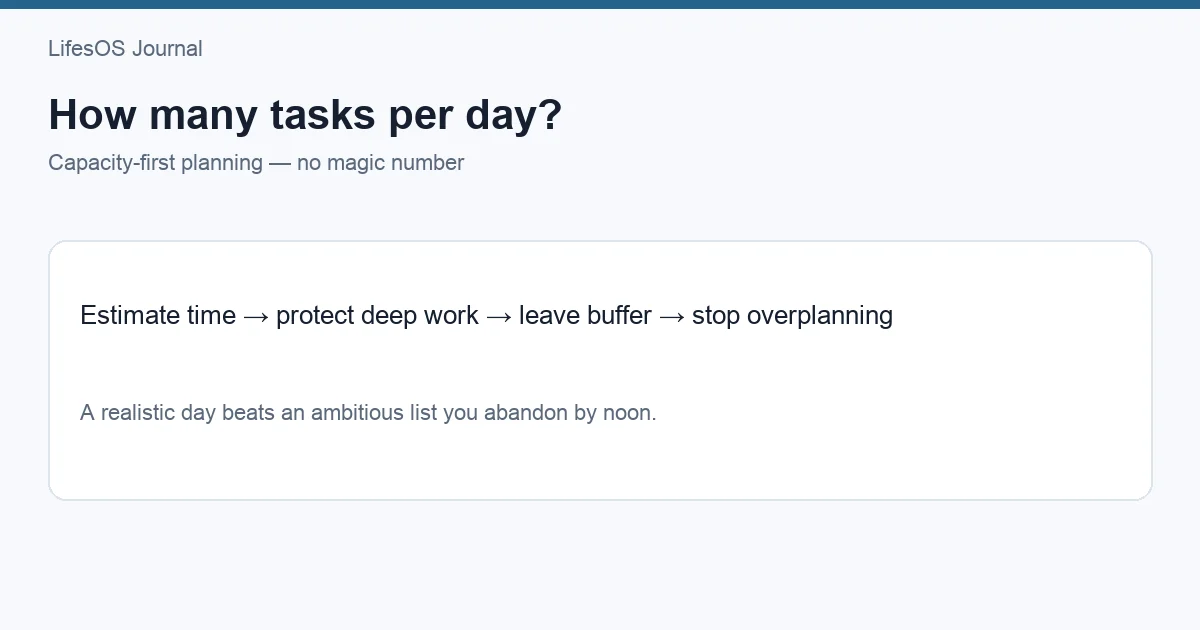
Check capacity before committing. If the Top 1 requires four focused hours and meetings consume five hours, three major tasks will not fit. Reduce scope, move meetings, or choose fewer outcomes. For a fast setup, use plan your day in 10 minutes.
Step 6: Put priorities on the calendar
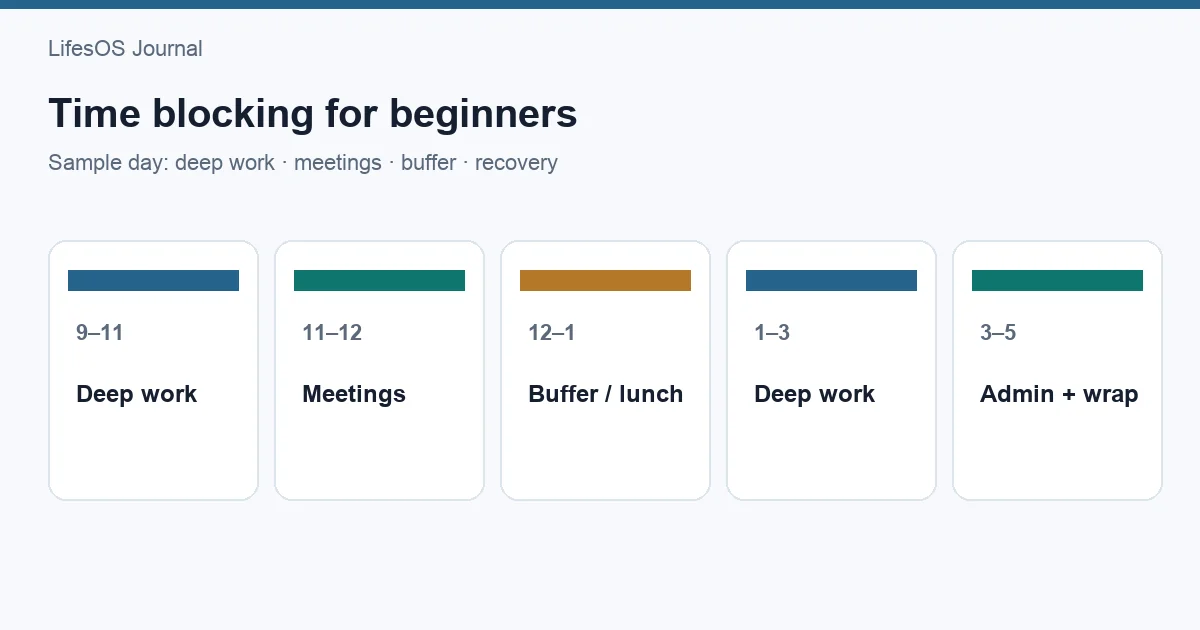
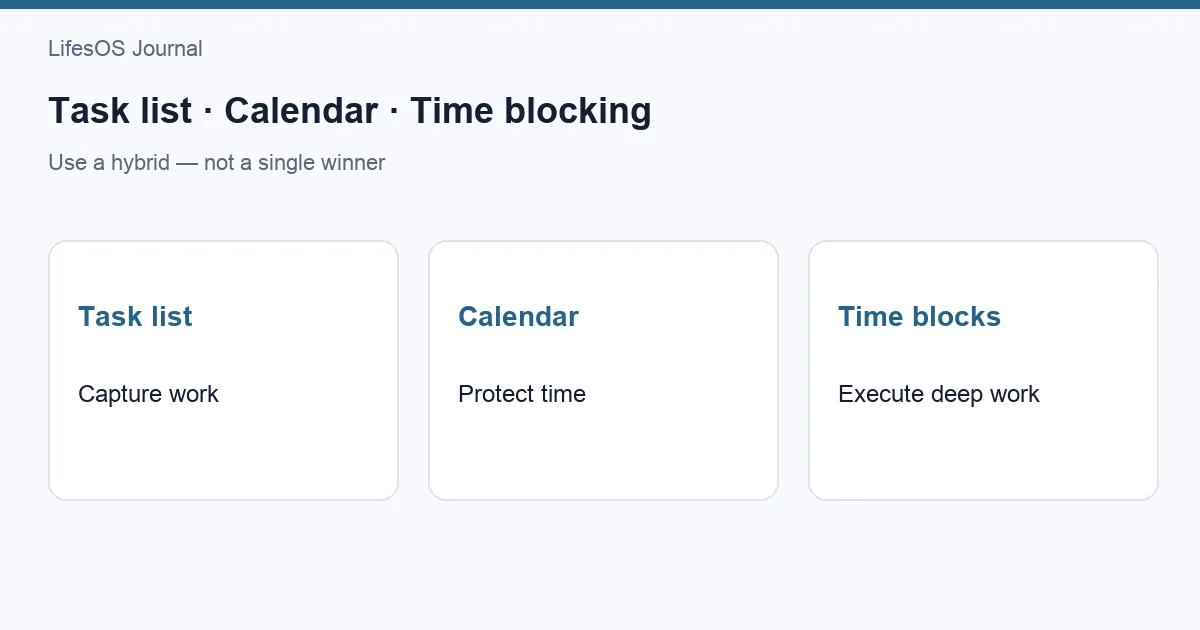
A ranked list still competes with messages and meetings. Reserve a block for the highest priority at a time when your energy is suitable. Include setup, review, and transition time. Time blocking for beginners explains the method, while task list vs calendar vs time blocking clarifies what belongs where.
Leave buffer for interruptions and underestimated work. A schedule filled to 100% is already late. When possible, protect the first meaningful block before checking low-value requests.
Use LifesOS Schedule to turn your Top 3 into realistic blocks. Download LifesOS and build each day around outcomes that matter.
When two tasks truly conflict
Compare them using five tie-breakers in order: hard consequence, dependency, current-goal impact, reversibility, and effort. Prefer the task with the more severe cost of delay, then the one that unlocks more work. If impact is similar, start the less reversible decision earlier so there is time to correct it.
If two stakeholders each claim top priority, escalate the tradeoff instead of silently promising both. Say what fits: “I can complete A today or B today; completing both requires moving C or reducing scope.” A priority conflict is often an ownership decision, not a personal productivity failure.
Handle incoming requests without losing the plan
Do not automatically place every new request at the top. Capture it, ask for the deadline and consequence, estimate effort, and compare it with current commitments. If it outranks the plan, explicitly move something else. This one-in, one-out rule protects against invisible overload.
Use a short response: “I can do this by Thursday. If it needs to be today, which current priority should move?” Clear options make constraints visible while remaining collaborative.
Break large priorities into deliverables
“Launch website” cannot be completed in one work block. Define the next deliverable that reduces uncertainty or unlocks progress: approve scope, finish the checkout flow, or run the release checklist. A large project should have milestones, while today's list should contain the next finishable result.
When a task repeatedly rolls over, it may be too large, poorly defined, emotionally difficult, or not truly important. Split it, clarify the first action, schedule enough time, or remove it. Recopying it each day is not prioritization.
Review priorities weekly
Daily prioritization chooses execution order; weekly review checks whether the work still supports the right goals. Review deadlines, projects, waiting items, and capacity for the next seven days. Reconnect tasks to goals using how to set goals you'll stick to.
Remove stale tasks and renegotiate overloaded weeks before they become daily emergencies. A smaller trusted list reduces the feeling that everything is equally urgent.
Priority checklist
- Is there a real deadline and specific consequence?
- Does this support a current goal or core responsibility?
- Who or what is blocked until it is done?
- What is the impact if completed this week?
- What is the realistic effort?
- Can scope be reduced, delegated, or removed?
- What will move if this becomes today's priority?
- Where is the work scheduled?
Common prioritization mistakes
- Choosing easy tasks for the feeling of progress.
- Treating another person's urgency as automatic importance.
- Ranking tasks without estimating their duration.
- Keeping more daily priorities than available capacity.
- Ignoring dependency and cost of delay.
- Adding urgent work without moving an existing commitment.
- Using a matrix instead of making a final choice.
FAQ
What should I do first when everything is urgent?
Verify deadlines and consequences. Then address safety or serious loss, followed by tasks that unblock others. Communicate conflicts immediately and reduce scope where possible.
How many top priorities should I have each day?
Usually one major outcome and up to two smaller outcomes. The correct number depends on duration, meetings, energy, and interruption risk. Three labels do not guarantee three large projects fit.
Is the Eisenhower Matrix enough?
It is useful for filtering urgent and important work, but tasks within one quadrant still need comparison. Add impact, effort, dependencies, and a calendar commitment.
How do I prioritize tasks from multiple managers?
Make the conflict visible with deadlines, effort, and consequences. Ask the appropriate owner to choose what moves. Do not hide the tradeoff by accepting incompatible commitments.
What if my priorities change during the day?
Re-rank when new evidence changes consequences or deadlines. Move an existing task instead of simply adding the new one. Frequent changes may signal unclear ownership or insufficient buffer.
Priorities become useful only when they change your calendar. Try LifesOS to choose, schedule, and protect the work that matters most.