Productivity
How Many Tasks Should You Plan in a Day?
There is no universal perfect number of daily tasks. Plan one major outcome plus a few smaller tasks, using time estimates, fixed commitments, energy, and buffer to set the real limit.
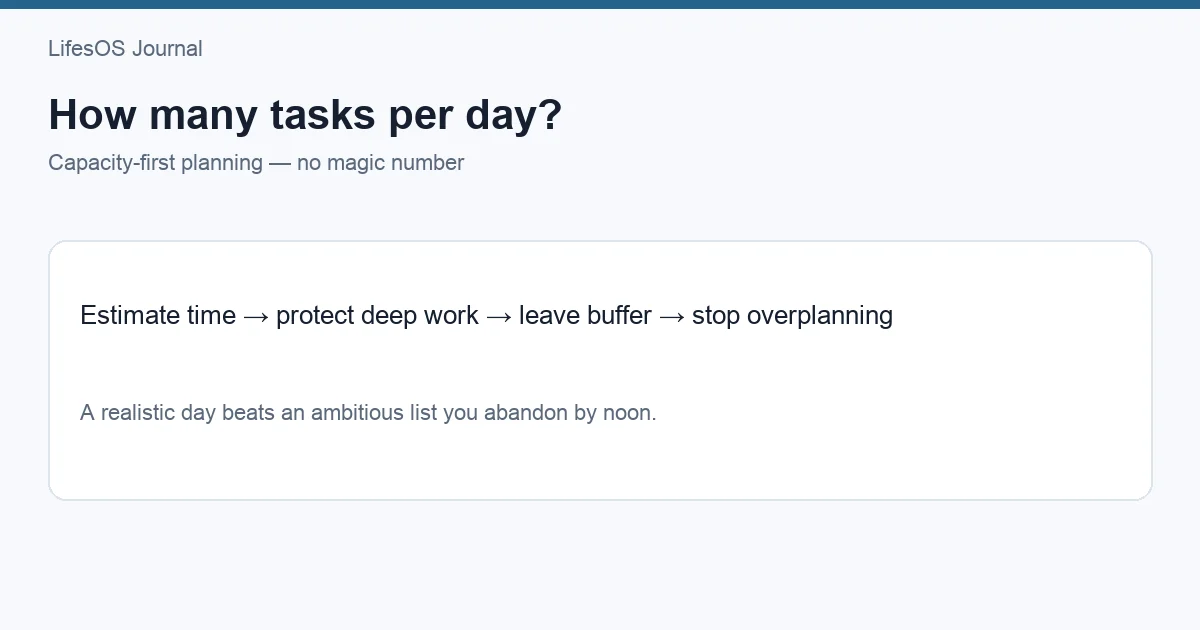
There is no universal perfect number of tasks per day. A practical starting point is one major outcome plus two or three smaller tasks, but the real limit comes from available time, task duration, concentration, meetings, energy, and interruption risk. Plan by capacity rather than chasing a fixed count.
Three complex tasks can exceed a full day, while ten five-minute errands may fit easily. Counting them equally hides the constraint that matters: time and attention. A good daily plan is small enough to finish under normal conditions and flexible enough to absorb reality.
The short answer by day type
| Day type | Reasonable plan | Why |
|---|---|---|
| Meeting-heavy | 1 meaningful task + 1–2 small tasks | Fragmented time limits focus |
| Focus day | 1–2 deep-work outcomes + admin batch | Complex work needs long blocks |
| Errand/admin day | 5–10 small tasks | Short items can be batched |
| Low-energy day | 1 essential outcome + maintenance | Capacity is temporarily lower |
| Open weekend | 1 project milestone + personal tasks | Rest and transition time still matter |
These ranges are starting points, not targets. Task size varies too much for a universal quota. The method below produces a better number for your specific day.
1. Calculate usable capacity
Start with the hours you can actually direct. Subtract sleep, meals, commuting, care responsibilities, meetings, appointments, and fixed routines. Then reserve buffer. The remainder is usable task capacity.
Suppose an eight-hour workday has three hours of meetings, 45 minutes of routine communication, and 45 minutes for breaks and transitions. Five and a half hours remain before buffer. Reserving 20% leaves about four hours and 25 minutes for planned work. That—not the eight-hour label—is the planning limit.
| Item | Time |
|---|---|
| Workday | 8 hours |
| Meetings | -3 hours |
| Communication | -45 minutes |
| Breaks and transitions | -45 minutes |
| 20% buffer on remainder | -54 minutes |
| Plannable task time | 4 hours 21 minutes |
2. Estimate tasks in time, not labels
Attach a rough duration to each task: 15, 30, 60, 90, or 120 minutes. Include setup and review. “Write report” may mean 30 minutes to revise an existing draft or four hours to research and create one. Define the finish line before estimating.
If estimates are often wrong, track actual duration for two weeks. Look for your personal pattern. You may consistently underestimate writing by 50% or forget preparation for meetings. Apply that evidence to future plans. New or ambiguous tasks need larger margins than familiar work.
3. Count deep work separately
Deep work demands sustained concentration: designing, writing, coding, analyzing, studying, or making difficult decisions. Most people cannot treat every available hour as equally focused. Meetings and messages also create attention residue that makes repeated switching costly.
Plan one or two substantial focus blocks rather than six “deep” tasks. A major outcome may consume two 90-minute blocks plus review. Place it when energy and interruption conditions are favorable. Batch shallow work—email, scheduling, forms, quick updates—into separate windows.
4. Use a flexible Top 3
A Top 3 keeps the plan visible: one major result and up to two smaller results. It is not a law that three tasks must be completed every day. On a demanding day, the major result may be enough. On an administrative day, each top item may represent a batch.
- Must: one result with a real consequence or high impact.
- Should: one useful result that supports a current goal.
- Could: one result to complete if the first two go as expected.
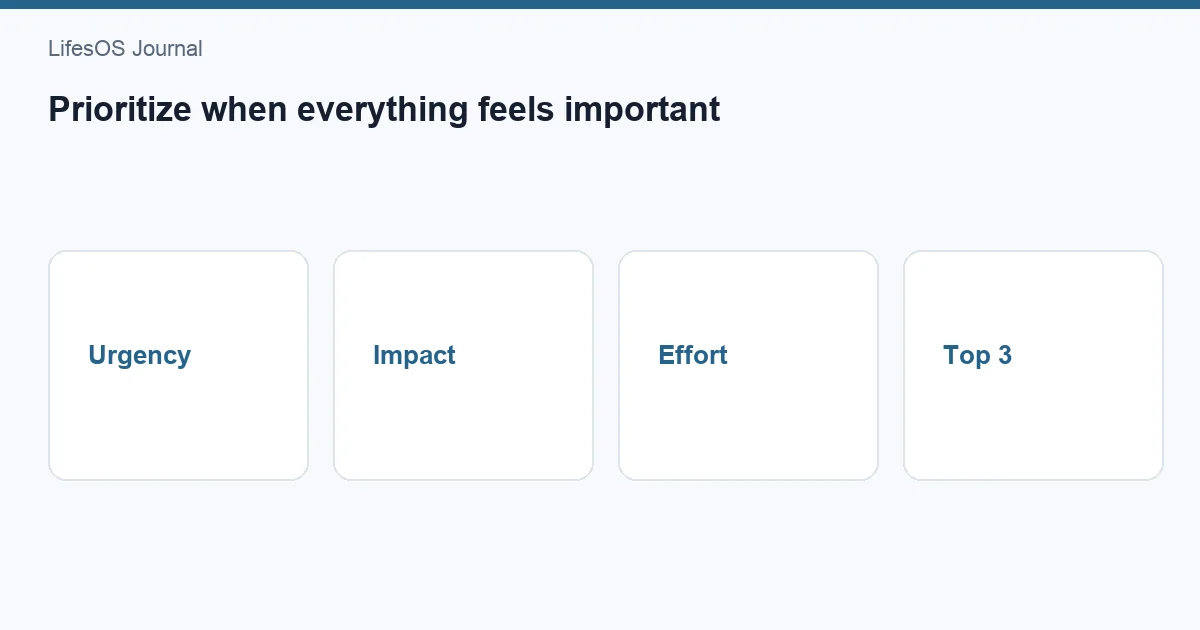
Define outcomes rather than activity. “Send client proposal” is finishable; “work on proposal” is not. Use how to prioritize tasks when everything feels important when choosing among competing work.
5. Reserve 20–30% buffer
Buffer covers interruptions, overruns, recovery, and tasks that appear during the day. Start with 20% of discretionary time. Use 30% or more when your role is reactive, the work is unfamiliar, or care responsibilities are unpredictable.
Buffer is not wasted time. When unused, it can absorb optional tasks, allow early completion, or provide recovery. Without it, one delayed meeting makes the entire plan fail. A schedule at 100% capacity assumes perfect estimates and no surprises—conditions that rarely exist.
6. Test the plan on a calendar
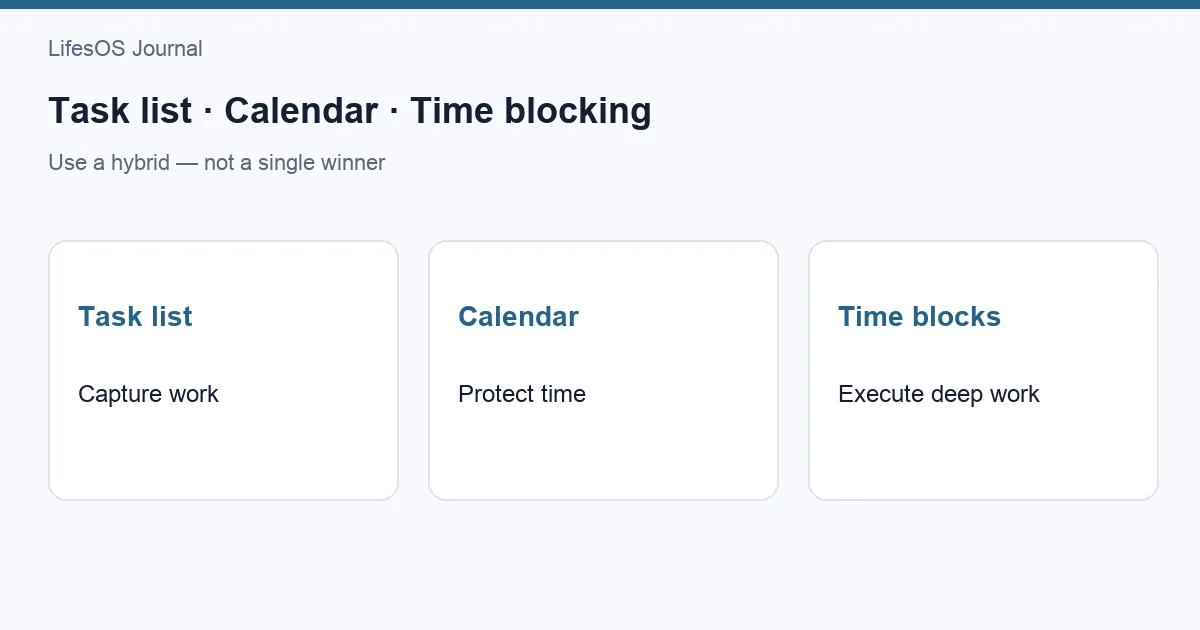
Put fixed commitments and priority blocks on the calendar. Add transitions and breaks. If tasks do not fit in the visible space, they do not fit merely because they remain on a list. Move them before the day begins.
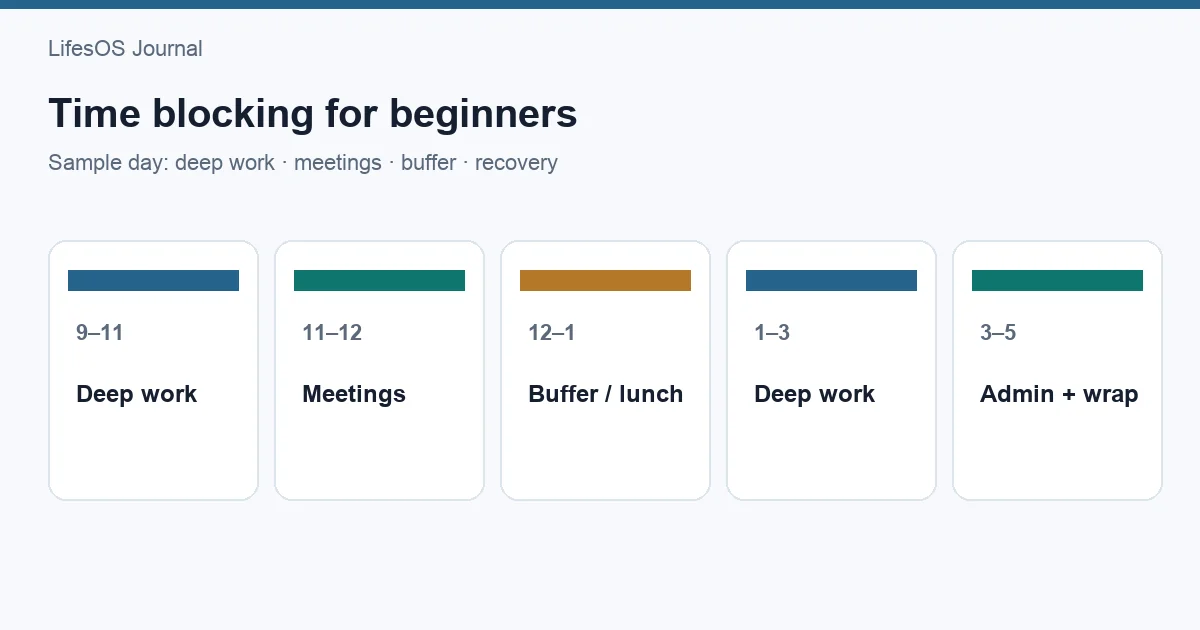
Time blocking for beginners can help translate intentions into realistic space. Use LifesOS Schedule to see tasks and commitments together. Download LifesOS and build a daily plan around real capacity.
Why people overplan
Overplanning often comes from counting ideal hours, omitting setup, treating every task as small, or using the list as reassurance. It can also come from carrying a project backlog into today's commitments. A long master list is useful for storage; it is not a realistic daily plan.
Some tasks are emotionally difficult, so easy tasks crowd the plan and create the appearance of productivity. Others remain vague and therefore seem shorter than they are. Define the next deliverable and schedule it before adding minor work.
Use rollover as data
When a task rolls over, ask why. Was the estimate wrong? Did a genuine emergency appear? Was the task unclear, low priority, or avoided? One rollover is normal. Repeated rollover points to a planning or priority problem.
Do not copy every unfinished item into tomorrow automatically. Re-evaluate it against new constraints. Split large work, remove stale commitments, or place the task on a later project plan. Carrying an impossible list forward turns yesterday's optimism into today's guilt.
Three worked examples
A meeting-heavy workday
After meetings and routines, Maya has three usable hours. She reserves 40 minutes as buffer, plans one 90-minute analysis, one 45-minute approval batch, and one 25-minute update. Her plan contains three outcomes and fits with 20 minutes unassigned.
A maker's focus day
Leon has six discretionary hours. He plans two 90-minute coding blocks on one feature, a 60-minute test-and-review block, and a 45-minute admin batch. Breaks, lunch, transitions, and 75 minutes of buffer fill the rest. The list shows two items—the feature milestone and admin batch—but represents substantial work.
A personal weekend
Aisha has five open hours but wants genuine rest. She plans a two-hour home project, a one-hour errand batch, and a 30-minute weekly setup. The remaining time covers travel, meals, interruptions, and leisure. Planning fewer tasks protects both completion and recovery.
Build a personal planning ratio
For two weeks, record planned tasks, estimated minutes, actual minutes, and completed outcomes. Calculate how much planned time you usually complete. If you repeatedly schedule six hours and finish four, begin by planning four—not by demanding a perfect six.
| Signal | Adjustment |
|---|---|
| Tasks often take 50% longer | Multiply future estimates by 1.5 |
| Afternoons are reactive | Protect focus work in the morning |
| Many tiny tasks fragment work | Batch them into one admin block |
| Priorities roll over repeatedly | Reduce scope or daily commitments |
| Buffer is always consumed | Increase buffer percentage |
Your completion pattern matters more than someone else's task count. A sustainable plan should be achievable on an ordinary day, not only on a day with unusually high energy and no interruptions.
A five-minute daily routine
- Review fixed appointments and available blocks.
- Choose one major outcome.
- Add up to two smaller outcomes.
- Estimate each and place it in time.
- Reserve buffer and remove what does not fit.
For a fuller routine, follow plan your day in 10 minutes. At day-end, note what changed rather than grading yourself. Use the evidence to improve tomorrow's capacity estimate.
Daily capacity checklist
- How many hours are truly discretionary?
- Which meetings and routines fragment those hours?
- How much deep-focus energy is available?
- What is the duration and finish line for each task?
- Have setup, transitions, and review been included?
- Is at least 20% of flexible time uncommitted?
- Which task moves if urgent work arrives?
- Does the plan fit on the calendar?
Common mistakes
- Using a fixed task number without considering size.
- Planning from total hours instead of usable hours.
- Treating meetings as if they consume no energy.
- Scheduling several deep-work projects in one day.
- Leaving no buffer for ordinary variation.
- Moving unfinished tasks forward without re-evaluating them.
- Measuring success by checked boxes rather than meaningful outcomes.
FAQ
Is three tasks per day a good rule?
It is a useful starting structure if it means one major and two smaller outcomes. It fails when all three are multi-hour projects or when the day has little discretionary time.
How many hours of work should I schedule?
Schedule fixed commitments first, then plan roughly 70–80% of remaining discretionary time. Roles with frequent interruptions may need more buffer. Use your tracked completion history to refine the percentage.
What counts as one task?
One task should have a clear finish line and be small enough to estimate. A large project is not one daily task; choose its next deliverable or milestone.
Should small tasks count toward the daily limit?
They consume time, but grouping them into an admin batch is often clearer than counting each email or form. Reserve a defined block and keep the major outcomes visible.
What if I finish early?
Use the time for an optional task, preparation, review, or rest. Do not inflate tomorrow's commitments based on one unusually smooth day; look for a repeated pattern first.
The right number is the number that fits today's real capacity. Try LifesOS to plan tasks beside your calendar and leave room for the unexpected.