Productivity
Task List vs Calendar vs Time Blocking: Which Should You Use?
Task lists track what, calendars protect when, and time blocking connects priorities to realistic capacity. The strongest approach is a simple hybrid.
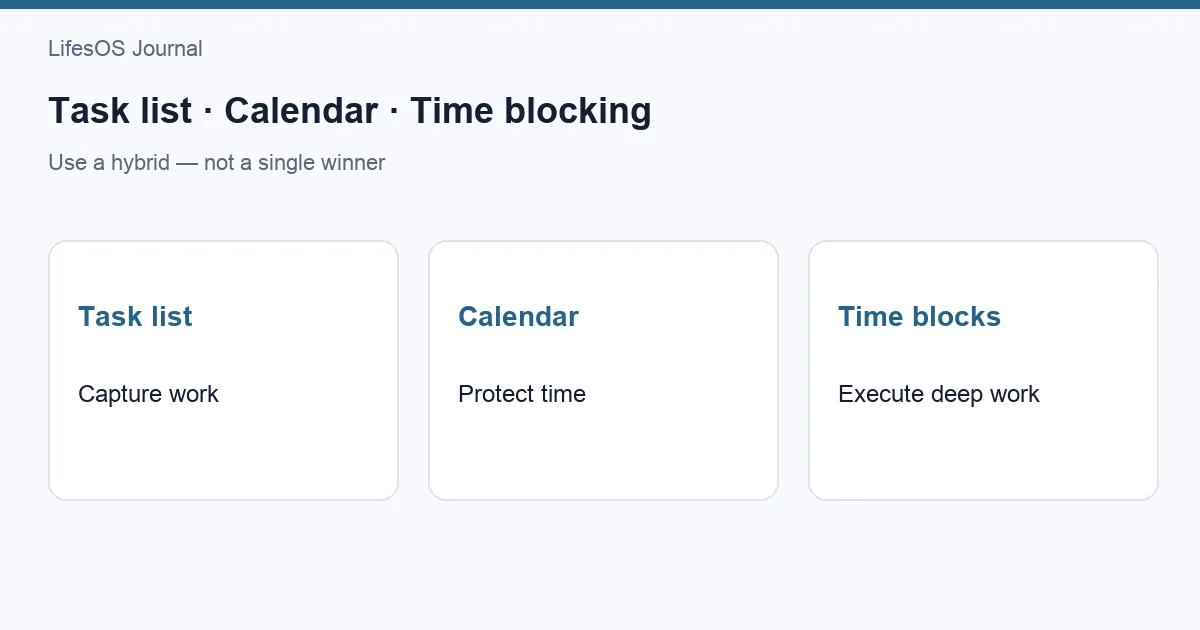
Use a task list to remember and prioritize work, a calendar for commitments that must happen at a specific time, and time blocking to reserve capacity for important tasks. You do not need to choose one winner. The most reliable system is a hybrid: keep flexible actions on a short task list, fixed commitments on the calendar, and block time for the few tasks that need protected attention.
The task list vs calendar debate often treats planning tools as substitutes. They are not. A list answers what needs doing? A calendar answers when am I committed? Time blocking answers where will focused work fit? Problems begin when one tool is forced to do all three jobs.
Task list vs calendar vs time blocking at a glance
| Method | Best for | Strength | Weakness | Example | When to use |
|---|---|---|---|---|---|
| Task list | Capturing and prioritizing actions | Flexible, fast, easy to reorder | Ignores available time and duration | Draft proposal; buy batteries; call dentist | When timing is flexible but the action must not be forgotten |
| Calendar | Appointments, deadlines, and time-specific commitments | Shows real constraints and conflicts | Can become crowded or falsely precise | Dentist at 2:00; report due Friday | When another person or a fixed time is involved |
| Time blocking | Protecting capacity for priority work | Turns intention into a realistic time allocation | Can become brittle when plans change | Write proposal, 9:00–10:30 | When work needs concentration, preparation, or substantial time |
The right question is not which method is best in general. Ask which decision you are trying to make: capture an obligation, honor a fixed commitment, or allocate attention.
What a task list does well
A task list is an inventory of actions. It gets commitments out of memory and lets you group, sort, and complete them. Lists work especially well for short, flexible actions that can fit into several possible windows.
Examples include requesting a receipt, replacing a light bulb, reviewing a document, or choosing a birthday gift. None necessarily deserves an appointment when captured, but each needs a trusted place.
Strengths of a task list
- Fast capture: recording an action takes seconds.
- Flexible priority: tasks can move as conditions change.
- Visible scope: one list reveals open obligations.
- Useful batching: calls, errands, and admin can be grouped.
- Low scheduling overhead: not every small action needs a time slot.
Where task lists fail
A list does not show whether twelve tasks fit between three meetings. It also gives a two-minute call and a four-hour analysis one line each. This creates the illusion that everything is equally feasible.
Long lists also encourage selection by ease or urgency. You may complete eight minor items while the important project remains untouched because it needed ninety uninterrupted minutes. The fix is not to add more priority labels. It is to connect selected work to time.
What a calendar does well
A calendar represents commitments and constraints. It is the best home for meetings, appointments, travel, events, deadlines that require awareness, and anything that must happen on a particular date or time.
A calendar also reveals capacity. A day with five hours of meetings cannot support the same task plan as an open day. Before choosing daily priorities, inspect the calendar.
Strengths of a calendar
- Shows conflicts and sequence.
- Coordinates commitments with other people.
- Makes preparation and travel visible.
- Creates reminders for time-specific events.
- Provides an honest boundary around available hours.
Where calendars fail
Putting every task on a calendar creates maintenance. When one meeting moves, a chain of small blocks must be rearranged. Overfilled calendars can also confuse an intention with a commitment. A block labeled “read article” may look as fixed as a medical appointment even though it is optional.
Calendars work poorly as archives of unscheduled possibilities. If an action can happen any time this month, assigning an arbitrary Tuesday may generate noise rather than clarity.
What time blocking adds
Time blocking is the practice of reserving a period for a category of work, a project, or a specific outcome. It uses the calendar as a capacity plan, not merely as an appointment record.
A block might say “project work,” “weekly planning,” or “draft introduction.” The right level depends on the work. Broad blocks reduce rescheduling; specific blocks reduce ambiguity.
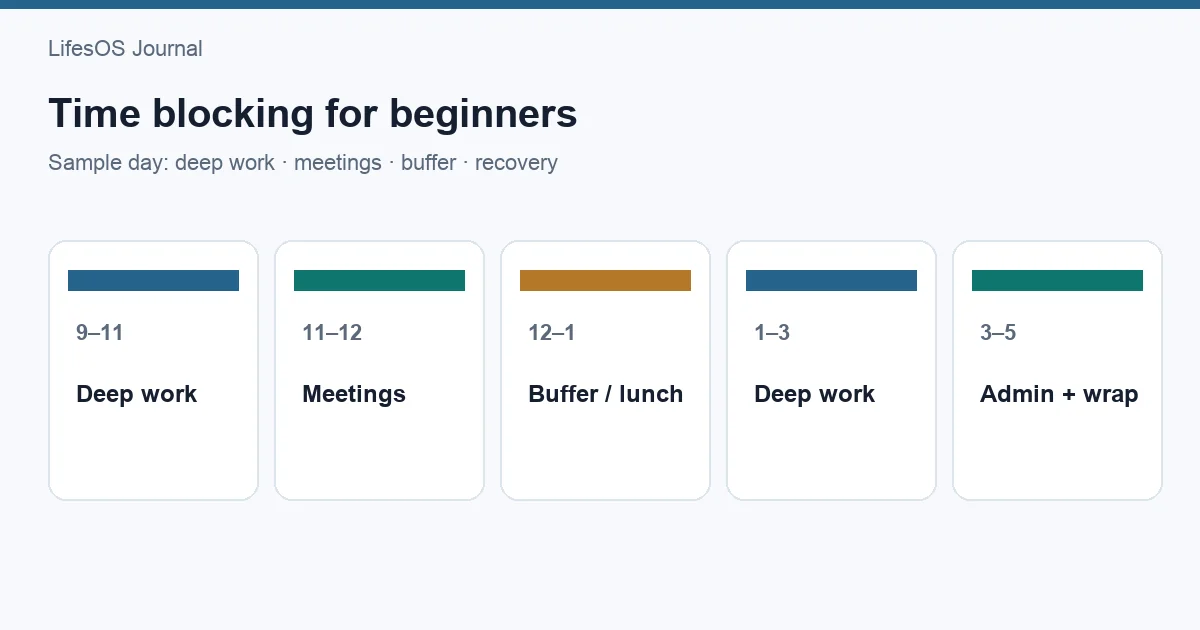
See time blocking for beginners for a complete setup. The key idea is simple: if an important task requires meaningful time, give it a place before smaller work consumes the day.
When time blocking is strongest
- Deep work that needs an uninterrupted start.
- Recurring responsibilities such as planning or finance review.
- Projects with deadlines but few external appointments.
- Days where reactive work otherwise expands.
- Activities that are easy to postpone, including exercise or personal goals.
Where time blocking fails
Time blocking becomes fragile when every minute is assigned, durations are optimistic, and no buffer exists. It also fails when blocks become decorative: moving “write report” five times is not progress.
Use blocks as informed reservations, not predictions of perfect behavior. Leave open capacity, distinguish fixed events from movable blocks, and update the plan when reality changes.
Five rules for choosing the right home
| If the item... | Put it... | Reason |
|---|---|---|
| Must happen at a fixed time | On the calendar | Timing is part of the commitment |
| Has a deadline but flexible work time | Deadline on calendar; actions on list | Awareness and execution are separate |
| Needs 30+ minutes of attention | On list and in a time block | The list tracks it; the block protects capacity |
| Takes a few minutes and is flexible | On the task list | Scheduling would cost more than it helps |
| Repeats at a useful cadence | Recurring block or calendar event | The schedule becomes the cue |
These are defaults, not laws. A five-minute call may deserve a calendar slot when reaching the person is difficult. A two-hour creative task may stay unscheduled during a highly variable caregiving week. Choose based on the constraint.
The hybrid system: one plan, three layers
The strongest system gives each tool a narrow job and creates a daily path between them.
Layer 1: capture everything actionable
Keep one task inbox. Capture requests, ideas, follow-ups, and errands without immediately deciding their exact time. Clarify vague items. “Budget” becomes “review July dining transactions”; “presentation” becomes “outline three sections.”
Layer 2: protect fixed reality
Place appointments, meetings, departure times, and true deadlines on the calendar. Include buffers where transition or preparation is real. Do not hide basic needs such as lunch or school pickup when they affect capacity.
Layer 3: allocate priority work
During weekly or daily planning, choose the few actions that most deserve progress and reserve blocks for them. A block can contain one outcome or a batch such as “admin calls.” Leave smaller flexible tasks on the list for gaps.
The system then has a clear flow: capture on the list → inspect calendar capacity → block priority work → choose flexible tasks around it → review and adjust.
Example: planning a realistic Wednesday
Suppose Wednesday contains a 10:00 team meeting, a 1:30 dentist visit, and school pickup at 4:00. Your task list contains fifteen items, including a client proposal due Friday.
- Keep the meetings, dentist, pickup, and travel on the calendar.
- Block 8:15–9:45 for the proposal's first draft.
- Reserve 11:15–11:45 for lunch rather than treating the gap as unlimited work.
- Batch two calls from the task list into 12:00–12:25.
- Leave three low-effort tasks available for the uncertain period after the dentist.
- Move the remaining list out of Wednesday's view; it is not today's promise.
This plan does not guarantee execution. It does make tradeoffs visible before the day begins. Use LifesOS Schedule to compare commitments with the capacity you intend to protect.
How weekly and daily planning work together
Weekly planning chooses direction and rough capacity. Daily planning responds to current information. Use the process in how to plan your week to identify two or three weekly outcomes, then use a 10-minute daily plan to adjust their blocks.
| Cadence | Task-list action | Calendar action | Time-block action |
|---|---|---|---|
| Weekly | Review projects and choose outcomes | Check constraints and deadlines | Reserve major work periods |
| Daily | Select a short realistic list | Confirm changes and preparation | Adjust blocks and buffers |
| During day | Capture new items | Honor fixed commitments | Work the current block or deliberately revise it |
| End of day | Complete, clarify, or defer | Check tomorrow | Move only what still matters |
Common mistakes
- Scheduling the whole backlog. Only near-term priorities need blocks.
- Using due dates as start dates. Reserve work before the deadline.
- Ignoring duration. Estimate roughly so major work has enough space.
- Treating movable blocks as appointments. Mark them differently and revise consciously.
- Planning at full capacity. Leave buffer for transitions, delays, and new requests.
- Keeping several competing lists. Capture into one trusted system.
- Replanning instead of working. Once a viable block starts, begin the smallest clear action.
Set up the hybrid in 20 minutes
- Collect current tasks into one list and clarify the next action for important items.
- Review the next seven days on your calendar, adding missing fixed commitments and travel.
- Choose up to three outcomes for the week.
- Reserve one or more blocks for each outcome, using conservative durations.
- Create a small daily list from flexible tasks that can fit around those blocks.
- Leave at least one buffer window on busy days.
- Review after one week: remove blocks that added no value and shorten lists that stayed unrealistic.
Try LifesOS free for 7 days and test this hybrid with your actual tasks and schedule. The goal is not a perfectly filled calendar; it is a plan that helps you start the right work and adapt without losing commitments.
FAQ
Is a calendar better than a task list?
No. A calendar is better for time-specific commitments and capacity; a task list is better for flexible actions. Use both when you have both kinds of work.
Should every task go on my calendar?
No. Schedule tasks that require protected time or must happen at a particular moment. Keep small, flexible actions on a list and batch them when useful.
Is time blocking just using a calendar?
Time blocking uses a calendar, but for a different purpose. A standard calendar records commitments; time blocking deliberately reserves available capacity for chosen work.
What happens when a time block is interrupted?
Decide whether the task still matters, then move, shrink, split, or delete the block. Avoid automatically carrying every missed block forward.
How many tasks should I plan per day?
There is no universal number. Start with one major outcome and a few small actions, then compare the plan with your calendar. Reduce it until it fits ordinary days.
Build around reality
Start tomorrow with three moves: check fixed calendar commitments, choose one meaningful task, and reserve a realistic block for it. Keep everything else on a short flexible list. That small hybrid will teach you more than adopting a complicated planning method all at once.