Planning
How to Plan Your Week Without Overloading Your Schedule
Plan the week by anchoring fixed commitments, choosing a few priorities, protecting buffer time, and reviewing — not by filling every hour.
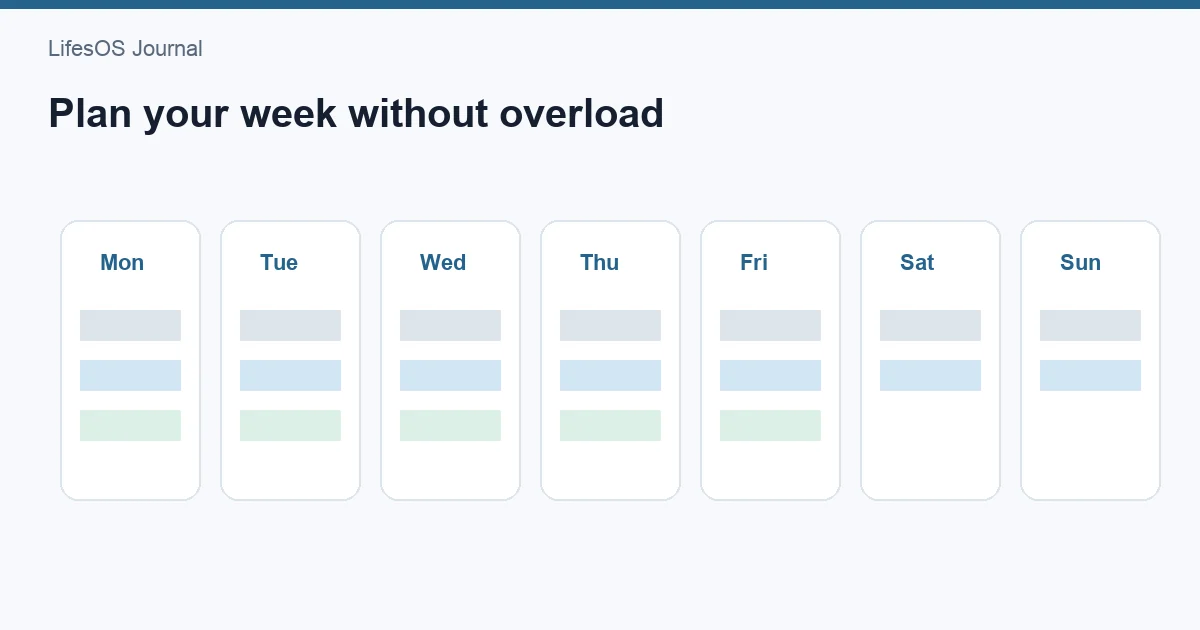
Weekly planning that doesn’t overload you starts with fixed commitments, adds a small number of true priorities, leaves buffer time, and ends with a short review — instead of time-blocking every free minute.
- Capacity is finite; optimism bias fills calendars.
- Recurring tasks belong on the calendar, not only in your head.
- A weekly plan pairs well with a weekly review.
A 20-minute weekly planning flow
- Park fixed commitments — work hours, appointments, classes, family logistics.
- Pick 3 outcomes that would make the week a success (not 15 tasks).
- Schedule deep work / admin blocks for those outcomes only.
- Add recurring habits (workout, money review, meal prep) as repeating items.
- Protect buffers — commute slip, recovery, unplanned asks.
- Leave white space — overload is a planning failure, not a badge.
Example week shape
| Block | Purpose |
|---|---|
| Mon 9–11 | Priority project deep work |
| Tue 7–8am | Recurring workout |
| Wed 12–12:30 | Admin / email batch |
| Fri 4–4:30 | Next-week sketch |
| Sun 20 min | Weekly review |
Common mistakes
- Planning as if energy is constant every day
- No buffers for life’s actual variance
- Confusing a long task list with a plan
In LifesOS Schedule
Use Schedule for recurring plans and today’s timeline on Home. Connect the plan to Weekly Report so completion patterns stay visible. Capture new items with AI input when helpful.
The “three outcomes” rule
If everything is priority, nothing is. Limit the week to three outcomes that would make you proud even if busywork slips. Tasks still exist — they just don’t all get prime calendar real estate.
Recurring work belongs on the calendar
Habits that stay in a task list compete with urgency. Put recurring workouts, money reviews, and admin batches on the schedule so they have a time address.
Plan energy, not only hours
A 9am deep-work block after a red-eye is fantasy. Place demanding work where your attention is historically better, and put shallow tasks in low-energy windows.
Related: Pair the week with a weekly meal planning routine.
FAQ
Should I time-block the whole day?
Usually no. Block anchors and priorities; leave flexible space for real life.
What if my job is interrupt-driven?
Use shorter focus blocks and stronger buffers. The plan is a hypothesis you revise daily.