Planning
The Sunday Reset: A 45-Minute Weekly Planning Ritual
A 45-minute Sunday reset clears loose ends, previews the calendar, chooses a realistic task load, checks money, and protects recovery before Monday.
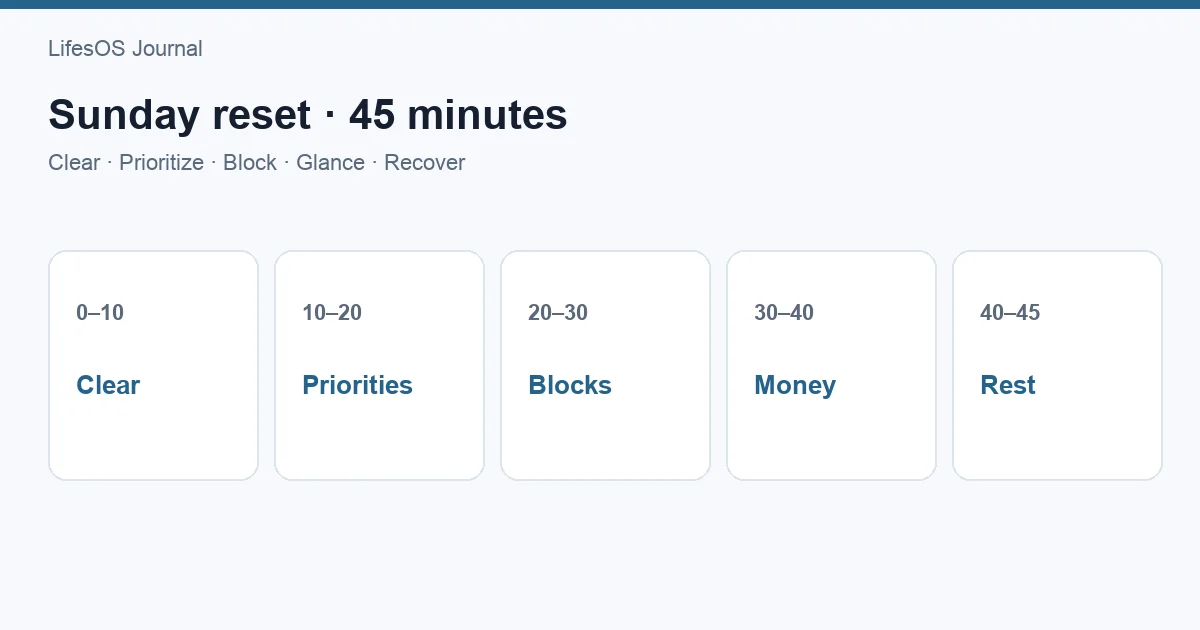
A Sunday reset is a short weekly ritual for closing the previous week and preparing the next one. In 45 minutes, clear loose inputs, review your calendar, choose a realistic task load, glance at money, prepare your environment, and reserve recovery time. The result should be a calmer Monday with fewer surprises—not a perfectly controlled week or an ambitious list that already exceeds your capacity.
The 45-minute Sunday reset checklist
| Time | Focus | Output |
|---|---|---|
| 0–5 minutes | Arrive and clear capture points | One trusted inbox |
| 5–15 minutes | Review calendar | Known constraints and preparation |
| 15–27 minutes | Choose tasks and priorities | Three weekly outcomes and next actions |
| 27–32 minutes | Money glance | Bills and spending risks noticed |
| 32–38 minutes | Prepare environment | Lower-friction Monday |
| 38–43 minutes | Protect recovery | Rest and personal time reserved |
| 43–45 minutes | Close the reset | Monday's first action chosen |
Set a timer for each section. When time ends, make the best available decision and move on. The reset is a control point, not a full cleaning session, inbox marathon, or budgeting meeting.
Before you begin: make the ritual easy to start
Choose a consistent time when you are usually home and alert. Sunday evening works for many people, but Sunday morning, Friday afternoon, or Monday before work can serve the same function. The day is less important than the weekly cadence.
Gather only what the review requires:
- Calendar and task list
- Notes, paper inbox, and recent messages that contain commitments
- Bank or budget overview
- Weekly report or habit summary, if useful
- A timer and a place to write three outcomes
Reduce startup friction by saving a recurring calendar event with the checklist in its description. Open the same dashboard, use the same chair, or make the same drink. A small cue helps the ritual begin without negotiation.
Minutes 0–5: arrive and collect
Start by slowing down. Take a breath, silence nonessential alerts, and write down anything circling in your head. Then scan your capture points: paper notes, starred messages, browser tabs, voice memos, and the place where you put incoming tasks.
Do not complete the tasks yet. Convert each item into one of four outcomes:
- Action: a clear next step belongs on the task list.
- Calendar: it must happen at a specific time.
- Reference: save it where you can retrieve it.
- Delete: it no longer deserves attention.
The goal is one trusted collection point. If a note says “dentist,” rewrite it as “Call dentist to move October appointment.” Concrete verbs reduce the effort needed when you see the task later.
Minutes 5–15: review the calendar in both directions
Look back seven days
Scan the week that ended. Find canceled events, commitments that created follow-up, travel receipts, rescheduled appointments, and work that was started but not closed. Looking backward catches obligations that a future-only calendar view misses.
Look ahead fourteen days
Review next week in detail and the following week for early warnings. Note:
- Fixed meetings, appointments, deadlines, and travel
- Preparation needed before each event
- Transitions, transport, meals, and setup time
- Birthdays, renewals, school events, and family commitments
- Days with little usable focus time
Add preparation blocks now. A Thursday presentation may need a Tuesday draft and Wednesday rehearsal. A 9:00 appointment may require a travel block starting at 8:20. The calendar becomes trustworthy when it represents the cost around the event, not only the event itself.
If the week is crowded, do not fill the remaining white space. Leave room for routine work, delays, and recovery. For more detail, see time blocking for beginners and LifesOS Schedule.
Minutes 15–27: choose a realistic task load
Review open projects and tasks, then select no more than three outcomes that would make the week meaningful. An outcome describes a result: “Send proposal,” “Complete two training sessions,” or “Choose insurance plan.” It is not a broad category such as “work” or “health.”
For each outcome, choose the next visible action and place time-sensitive work on the calendar.
| Weekly outcome | Next action | Protected time |
|---|---|---|
| Send client proposal | Draft scope and price | Tuesday, 9:00–10:30 |
| Prepare easy weekday meals | Choose four dinners and order groceries | Sunday, 6:00–6:30 |
| Renew car insurance | Compare current renewal with two quotes | Wednesday, 7:00–7:40 |
Now perform a capacity check. Count the week's fixed commitments, likely energy, caregiving, travel, and unplanned work. If the calendar is already 80% constrained, your task plan cannot assume a wide-open week. Move lower-priority tasks to “later” instead of letting them sit in the active list as quiet guilt.
A simple weekly load can include:
- Three outcomes
- One to three next actions under each
- Routine maintenance tasks
- A short optional list for spare capacity
This is the core of planning your week: match commitments to available time before the week begins.
Minutes 27–32: take a money glance
This is a five-minute risk scan, not a full financial review. Open your bank or budget view and answer:
- What bills or transfers are due in the next seven days?
- Is the checking balance sufficient for them?
- Is any spending category moving faster than expected?
- Are there unusual plans—travel, meals, gifts, repairs—that need a decision?
- Is there a transaction that needs classification or follow-up?
If something requires more than two minutes, create a task or schedule a separate money review. The Sunday reset should reveal the issue and assign the next action, not absorb a full hour reconciling statements.
| Observation | Action |
|---|---|
| Insurance renewal due Friday | Confirm balance and schedule payment |
| Dining category nearly used | Plan weekday lunches |
| Unknown $42 charge | Add Monday task to investigate |
Try LifesOS free for 7 days to place this money glance beside your schedule and Weekly Report, so the reset stays brief.
Minutes 32–38: prepare the environment
Use six minutes to remove friction from Monday. Pick actions with a direct effect on the next day:
- Clear the desk surface and plug in devices.
- Pack a work or gym bag.
- Choose Monday clothes.
- Refill medication organizer or place essentials by the door.
- Confirm breakfast, lunch, and one easy dinner.
- Close unnecessary browser tabs and open the document needed first.
Do not start deep cleaning the kitchen, reorganizing every file, or rebuilding your task system. If the environment needs larger maintenance, schedule it. The reset only needs to make the next useful action easier.
Minutes 38–43: protect recovery
Planning often accounts for output while treating rest as whatever remains. Reverse that for five minutes. Look at sleep opportunities, exercise, social time, quiet time, and the transition after demanding days. Add at least one recovery block to the calendar.
Recovery can be a device-free evening, walk, unhurried meal, training session, reading hour, or simply an earlier bedtime. Choose something that restores you rather than another activity to optimize. Also identify the week's pressure point. If Thursday is long, Wednesday night may need less social or household load.
A reset that fills every empty hour creates a brittle week. The aim is not maximum utilization; it is enough structure to make good choices when plans change.
Minutes 43–45: close and release
Read the three weekly outcomes once. Confirm the first event tomorrow and choose Monday's first meaningful action. Then write a one-sentence intention such as, “Protect Tuesday morning for the proposal and let optional admin wait.”
Close the apps and stop planning. A defined ending matters. Continuing to rearrange tasks usually adds little clarity and reduces the restorative value of the rest of Sunday.
A completed Sunday reset example
| Area | Decision |
|---|---|
| Calendar | Add travel before Tuesday dentist; block Wednesday proposal rehearsal |
| Three outcomes | Send proposal; train twice; renew insurance |
| Money | Schedule insurance payment; hold dining spend until Friday |
| Environment | Pack gym bag; open proposal file; order four dinners |
| Recovery | Wednesday evening walk; Friday unscheduled after 7:00 |
| Monday first action | Outline proposal before opening messages |
Notice what is absent: a plan for every hour and a complete list of everything the person could do. The reset selects, prepares, and protects.
How to adapt the ritual
If Sundays are workdays
Move the reset to the final quiet block before your weekly cycle begins. A restaurant worker may use Tuesday; a parent may use Friday morning. Keep the sequence even if the day changes.
If you plan with a partner or family
Complete personal task review first, then spend ten minutes comparing calendars, transport, meals, childcare, and shared bills. The joint portion should resolve collisions and ownership, not expose every private task.
If 45 minutes feels too long
Use a 15-minute version: five minutes calendar, five minutes priorities, two minutes money, two minutes preparation, one minute Monday start. Consistency beats an elaborate ritual you avoid.
If your week changes constantly
Plan anchors and decision rules rather than a rigid calendar. Choose three outcomes, protect two focus blocks, and decide what gets dropped first when urgent work arrives.
Common Sunday reset mistakes
- Turning it into a life overhaul. Stop at 45 minutes and schedule larger work separately.
- Reviewing tasks without the calendar. A list cannot show whether the week has capacity.
- Filling every gap. Leave margin for travel, delays, and ordinary human energy.
- Choosing too many priorities. Three outcomes force useful tradeoffs.
- Skipping money until a bill fails. A five-minute glance catches near-term risk.
- Planning work but not recovery. Rest needs a place before optional commitments fill it.
- Using Sunday as the only review. A two-minute daily check can update the plan when reality moves.
Sunday reset versus weekly review
A weekly review emphasizes reflection: what happened, what changed, and what you learned. A Sunday reset emphasizes readiness: what is coming, what matters, and what needs preparation. They overlap, and the 45-minute ritual combines a light look back with practical setup. If deeper reflection matters, use the Weekly Report before the calendar section or schedule a separate monthly review.
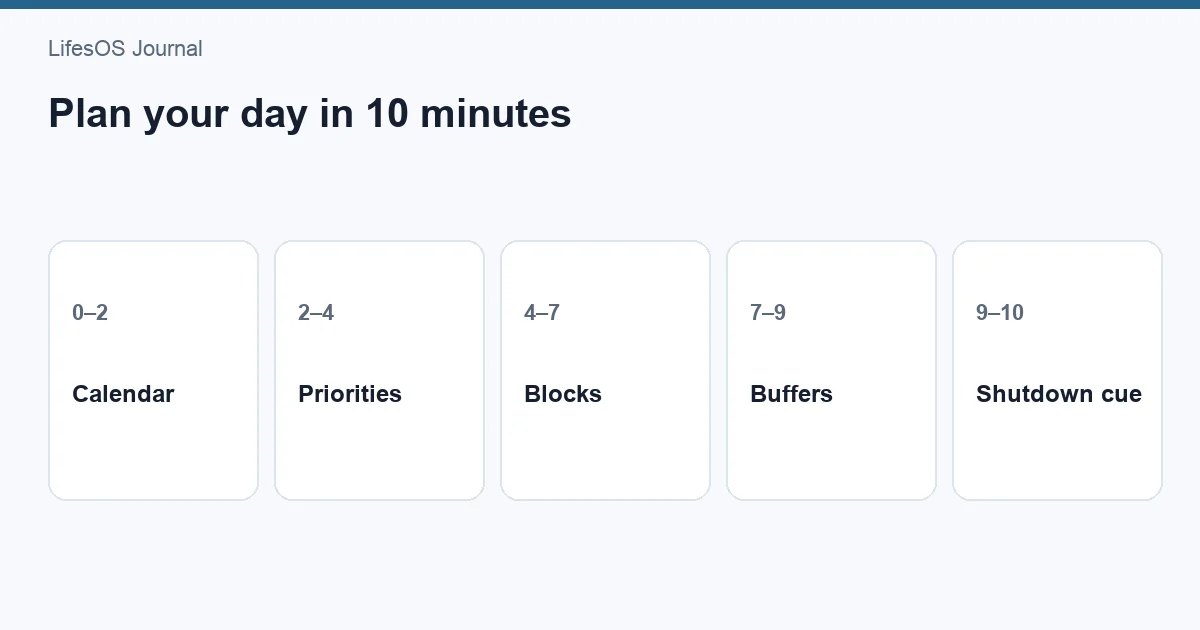
Related: Expand into a 30-minute weekly life review or a 10-minute daily plan.
FAQ
Does a Sunday reset have to happen on Sunday?
No. Use the day that best marks the transition into your next planning cycle. Keep the appointment recurring and choose a time when interruption is unlikely.
What should be on a Sunday reset checklist?
Include capture, calendar review, weekly priorities, a money glance, practical preparation, recovery planning, and a clear first action for the next day.
Should cleaning be part of the reset?
Only small actions that reduce next-day friction. A six-minute desk, bag, kitchen, or clothing setup fits. Whole-house cleaning needs its own time block.
What if I miss a week?
Restart at the next useful opportunity. Do a 15-minute minimum version if the week has already begun. Avoid spending extra time reconstructing the missed ritual.
How do I keep the reset from taking hours?
Use section timers, defer tasks that take more than two minutes, limit weekly outcomes to three, and stop when the checklist ends. Planning has diminishing returns.
Set up next Sunday's reset now
Create a recurring 45-minute event, paste in the seven-part checklist, and choose where your capture notes will go. At the first session, finishing on time is more important than making every system tidy.
Start your 7-day LifesOS trial and bring your calendar, tasks, money glance, and recovery plan into one weekly rhythm.