AI & Life
What Should an AI Personal Assistant Remember About You?
An AI personal assistant should remember only information that has a clear purpose, remains useful over time, and can be viewed, corrected, limited, or deleted by the user.
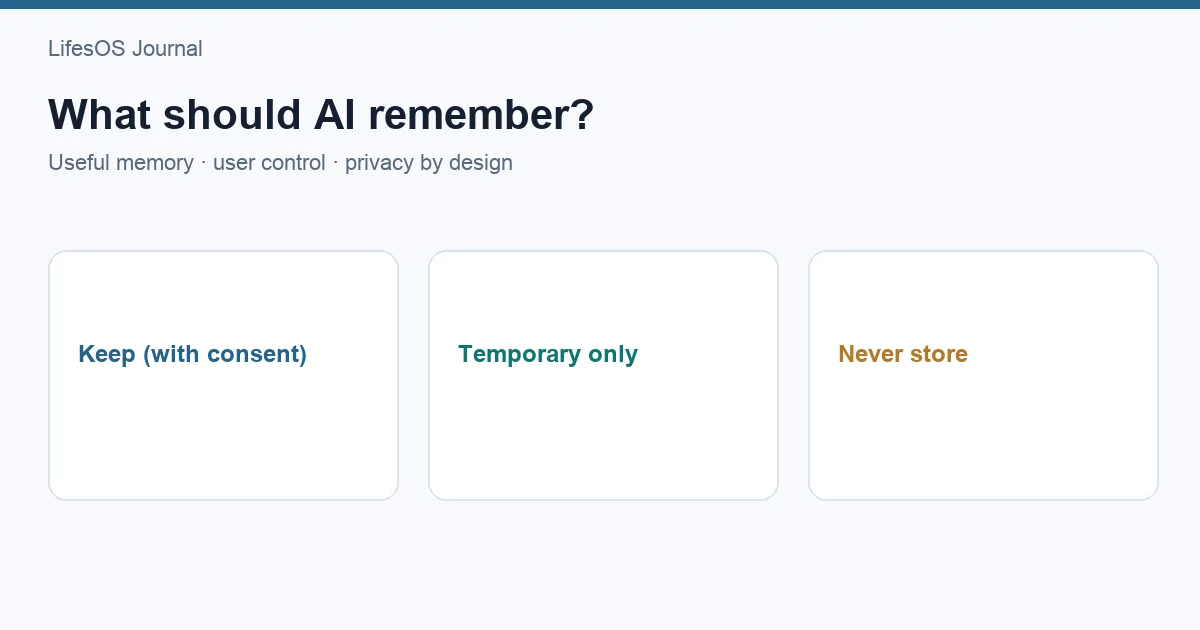
An AI personal assistant should remember information only when it has a clear purpose, is likely to remain useful, and is under your control. Stable preferences, explicit constraints, recurring routines, and active goals may be useful. One-time details should usually stay temporary. Sensitive information, inferred traits, other people's data, and outdated assumptions should not be retained by default.
Good AI personal assistant memory is selective, visible, correctable, and forgettable. The goal is not to build the most complete profile possible. It is to reduce repeated explanation without turning convenience into uncontrolled surveillance or accumulated error.
What “AI memory” can mean
The word memory is used for several mechanisms that have different privacy and reliability implications:
- Conversation context: messages currently available while generating a response.
- Conversation history: previous chats stored by a service and potentially available later.
- Saved preferences: explicit facts such as preferred units or working hours.
- Structured personal records: calendar events, transactions, meals, activities, or goals in a connected system.
- Generated summaries: compressed descriptions inferred from earlier interactions.
- Task state: temporary details needed to complete an ongoing workflow.
These categories should not be treated as interchangeable. A calendar event is a source record; “prefers quiet mornings” may be an inference; an address used for one delivery is task state. Each deserves a different retention rule.
Five principles for useful personal memory
1. Purpose before collection
Every remembered item should serve a defined job. Remembering preferred time format can prevent repeated formatting corrections. Retaining an unrelated personal anecdote “in case it helps later” has no comparable purpose.
Ask: Which future task will this improve? What would fail if it were forgotten? If no concrete answer exists, keep the information temporary or do not collect it.
2. Minimum necessary detail
A broad preference can often replace sensitive detail. “Avoid scheduling before 9:00” may be sufficient; the private reason behind that boundary may not be needed. “Vegetarian meal suggestions” may support planning without storing a long personal explanation.
Data minimization reduces irrelevant context, security exposure, and the chance that old information shapes an unrelated answer.
3. Explicit facts over hidden inference
Systems should prefer information the user deliberately supplied or confirmed. Inferences can be wrong: ordering a certain meal twice does not prove a permanent preference, and missing workouts during travel does not reveal motivation.
If an inference might become a saved preference, show it as a proposal: “Would you like me to remember that you prefer morning walks?” Silence should not be treated as consent.
4. Appropriate lifespan
Information has a shelf life. A preferred currency may remain stable for years. A travel itinerary should expire after the trip. An active goal should be reviewed when completed, paused, or abandoned. Retention should match the expected usefulness.
5. User control throughout
Consent is not a one-time checkbox. Users need to see what is remembered, understand why, correct errors, restrict use, delete individual items, clear categories, and disable future memory. Control should be available after collection, not only before it.
What may be useful to remember
| Category | Useful example | Why it helps | Review rule |
|---|---|---|---|
| Interface preference | 12-hour time, metric units, concise summaries | Reduces repeated formatting instructions | Keep until changed |
| Schedule constraint | Working hours or protected family block | Prevents unsuitable scheduling suggestions | Confirm periodically |
| Explicit food preference | Vegetarian suggestions | Filters irrelevant meal ideas | Editable at any time |
| Recurring routine | Weekly review on Sunday | Supports an established workflow | Review if repeatedly unused |
| Active goal | Train for a selected event | Connects relevant plans and milestones | Expire or archive at completion |
| Communication choice | Ask before changing calendar events | Preserves control | Keep as a permission preference |
Even useful information should be scoped. A dietary preference may inform meal suggestions but need not affect unrelated financial analysis. A work schedule can inform availability without being exposed in every conversation.
What should usually remain temporary
Temporary context supports the current task and then expires. Examples include a one-time destination, a draft gift idea, the location of today's meeting, a temporary schedule exception, or a meal requested for one guest.
Temporary does not mean unimportant. It means the information's usefulness ends with the task. Systems should make temporary handling the easy default and require a deliberate choice to promote a detail into longer-term memory.
| Information | Likely lifespan | Possible action |
|---|---|---|
| “I am traveling next Tuesday” | Until the trip ends | Expire automatically |
| “Use a formal tone for this email” | Current draft | Do not generalize |
| “My guest avoids peanuts” | Current meal plan unless confirmed otherwise | Keep task-scoped |
| “This month is unusually busy” | Defined month | Review at period end |
| “Try evening workouts for three weeks” | Experiment period | Ask whether to keep afterward |
What an AI should not remember by default
Sensitive data without a necessary purpose
Passwords, security answers, authentication codes, full payment credentials, identity documents, and similarly sensitive secrets should not become conversational memory. Use appropriate secure systems built for those functions.
Health, legal, or financial details merely because they appeared
Some tasks may legitimately involve sensitive data under explicit permission, but appearance in a chat should not create indefinite retention. Scope the information to the purpose and provide clear deletion and retention controls.
Unconfirmed traits and judgments
“Bad with money,” “unmotivated,” “anxious,” or “unreliable” are subjective labels, not useful facts. Systems should not convert limited behavior into personality, medical, or moral conclusions.
Other people's private information
A user may mention family, colleagues, or clients while completing a task. That does not establish those people's consent to profiling or long-term storage. Retain the minimum operational detail and avoid unnecessary sensitive notes.
Incidental conversation
Jokes, hypothetical examples, quoted text, and brainstorming should not silently become preferences or biography. Context needs provenance: was this a fact, an instruction, a possibility, or material being edited?
Outdated assumptions
A completed goal, former address, old working hours, or previous preference can degrade future help. Memory that cannot age, be reviewed, or be corrected is a liability.
Use a layered memory model
A practical design separates information by lifespan and authority:
- Session layer: details needed for the current conversation.
- Task layer: context retained until a defined workflow or project ends.
- Preference layer: explicit settings that apply to selected future tasks.
- Record layer: source data stored in its proper structure, such as an event or transaction.
- Summary layer: generated interpretations that must remain traceable and correctable.
When layers are mixed, mistakes spread. A generated summary can be mistaken for a fact, or a temporary exception can override a stable preference. The interface should show where an item came from and how broadly it applies.
Controls every memory system should provide
View
Users should have a readable list of saved preferences, assumptions, and connected sources. Hidden memory cannot be meaningfully governed.
Edit and correct
A correction should update the relevant item rather than merely append a contradictory chat message. The system should prevent an old summary from continuing to override the correction.
Forget one item
Deletion should work at the level of a preference, fact, task, conversation, or domain. Users should not have to erase everything to remove one incorrect assumption.
Clear by category or period
Useful options include clearing all schedule preferences, deleting task memory after a project, or removing information older than a selected date.
Disable future memory
Users should be able to use assistance without creating durable personal memory, where the product supports that mode. A temporary session should be clearly identified.
Export
Export enables review and reduces lock-in. It should distinguish source records from generated summaries and settings.
Audit use
For significant recommendations or actions, users should be able to see which memory or source records influenced the result.
Consent must be specific and reversible
“Personalize my experience” is too broad to explain indefinite use across every domain. Better consent identifies the information, purpose, scope, and lifespan: “Save these working hours for future scheduling suggestions until I change them.”
Consent also needs a practical refusal path. Declining memory should not prevent a user from completing an ordinary one-time task unless persistence is genuinely required. Changing one's mind should be as straightforward as agreeing.
Privacy questions to ask before enabling memory
- What exactly will be stored?
- Is the item explicit or inferred?
- Which tasks and domains can use it?
- How long will it remain?
- Who or what can access it?
- Can it be used to train or improve models, and what controls apply?
- Can I view, correct, export, and delete it?
- What happens to backups or derived summaries after deletion?
- How are connected services affected when permission is removed?
Read the applicable service terms and privacy information. Product behavior and legal rights vary by provider and jurisdiction.
Memory creates an accuracy problem over time
A remembered fact can be accurate when stored and wrong later. Stable-sounding preferences often depend on season, work, family responsibilities, health, location, or goals.
Systems should attach provenance and timestamps, use expiration for temporary items, ask users to confirm stale high-impact constraints, and avoid presenting inferences as established facts. Conflicting information should trigger clarification.
Users can help by stating scope: “For this trip only,” “until December,” “remember this for meal suggestions,” or “do not save this.” Interfaces should not require special phrasing to honor these distinctions, but explicit language reduces ambiguity.
Memory should improve decisions, not maximize personalization
Remembering information is worthwhile when it reduces repeated entry, prevents unsuitable options, or improves continuity. It is not worthwhile merely because storage is available.
The same minimum-data principle described in how to track your life without tracking everything applies to AI memory: define the goal, ask a question, use the minimum data, derive an insight, and take an action.
Personal data can help AI provide more relevant advice, but relevance depends on quality, scope, freshness, and consent. A larger profile can produce worse recommendations when it contains old or unrelated details.
How memory changes an assistant
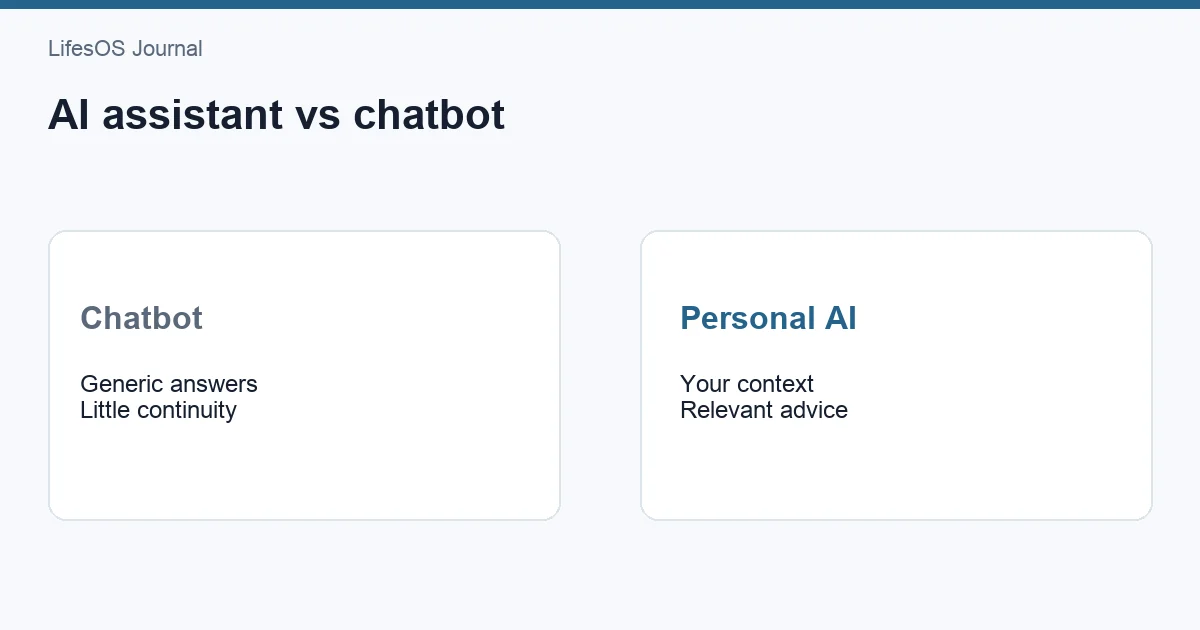
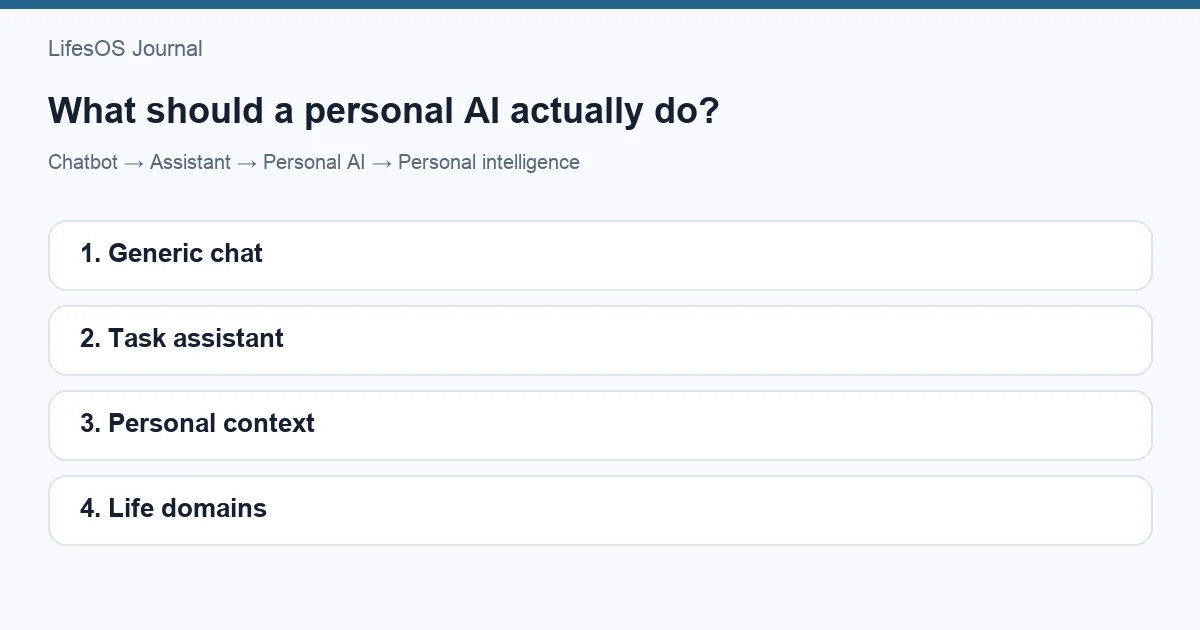
As explained in AI assistant vs chatbot, a chatbot can answer using current conversation context. An assistant can help complete tasks. Personal memory may reduce repetition across tasks, but it also adds obligations: visibility, access control, correction, retention, and deletion.
A strong personal AI assistant does not claim to know the user comprehensively. It uses the approved context relevant to the current job and asks when meaning or scope is uncertain.
LifesOS and connected personal context
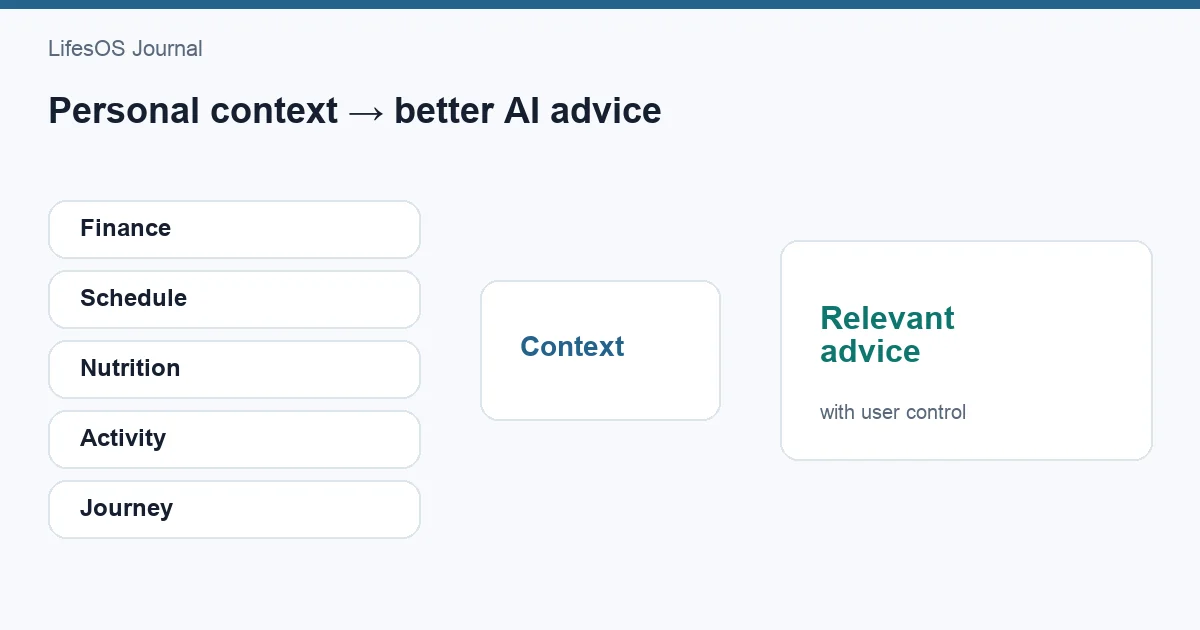
LifesOS helps organize personal context across Finance, Schedule, Nutrition, Activity, and Journey, with AI-assisted input for supported workflows. That connected structure can reduce the need to restate records that already exist in their appropriate domains.
This should not be read as a claim that LifesOS currently provides a production Personal Memory or universal long-term AI memory feature. The principles in this article describe how any future or hypothetical memory capability should be designed: purpose-limited, transparent, correctable, deletable, and controlled by the user.
Explore current information about LifesOS AI and evaluate documented capabilities rather than assuming that every form of persistent memory is available. Connected context and durable AI-generated memory are related but distinct concepts.
A checklist before asking AI to remember something
- What future task will this improve?
- Could a less sensitive or less detailed value work?
- Is the information mine to share?
- Should it last for a session, task, period, or indefinitely?
- Which domains may use it?
- How will I know it influenced an answer?
- Can I correct and delete it easily?
- What should trigger expiration or review?
If these questions have no clear answers, keep the detail temporary.
Common AI memory mistakes
- Remembering everything by default. Purpose and minimization should come first.
- Saving inference as fact. Ask for confirmation and retain provenance.
- Using one preference everywhere. Scope memory by task and domain.
- Keeping temporary context indefinitely. Use expiration.
- Hiding saved assumptions. Memory must be viewable and editable.
- Offering only all-or-nothing deletion. Support granular forgetting.
- Ignoring other people's privacy. Minimize third-party information.
- Equating more memory with better help. Old or irrelevant context can degrade answers.
FAQ
Should an AI personal assistant remember everything?
No. It should remember only purposeful information likely to improve future tasks, with clear scope, lifespan, visibility, correction, and deletion controls.
What preferences are useful for AI to remember?
Examples include units, time format, communication style, working hours, explicit dietary preferences, and user-selected confirmation rules. Each should apply only where relevant.
What should AI never store in conversational memory?
Do not use conversational memory for passwords, authentication codes, security answers, full payment credentials, or other secrets requiring dedicated secure storage. Sensitive personal data also requires a necessary purpose and explicit controls.
What is the difference between chat history and memory?
Chat history is a record of conversations. Memory usually means selected information made available for later personalization or tasks. A product may use one, both, or neither, so inspect its documentation and settings.
Can I ask an AI to forget me?
Available controls vary. Look for options to delete saved items, conversations, account data, or connected sources, and review how the provider handles backups and derived data.
Remember less, but remember deliberately
The best AI personal assistant memory is not a complete archive of a person. It is a small, governed set of facts and preferences that improve defined tasks without exceeding consent. Temporary details should expire, sensitive data should stay out unless truly necessary, inferences should be confirmed, and every remembered item should be possible to inspect and forget.
Start a 7-day LifesOS trial to explore how structured context can support daily workflows. Keep the distinction clear: useful connected records can improve assistance without requiring an AI to remember everything about you.